This document summarizes updates and enhancements made to LBank’s main platform, including improvements to spot trading, futures trading, and overall user experience during October 2025. These updates aim to deliver a more seamless and intuitive experience for our global users.
Main Platform Updates (APP/H5/Web)
Major Feature Releases
Dual Currency Investment Now Live
-
Dual Investment, a new non-principal-protected structured yield product, is now available. It allows users to earn fixed returns at settlement.

Beginner Guidance System Fully Upgraded
-
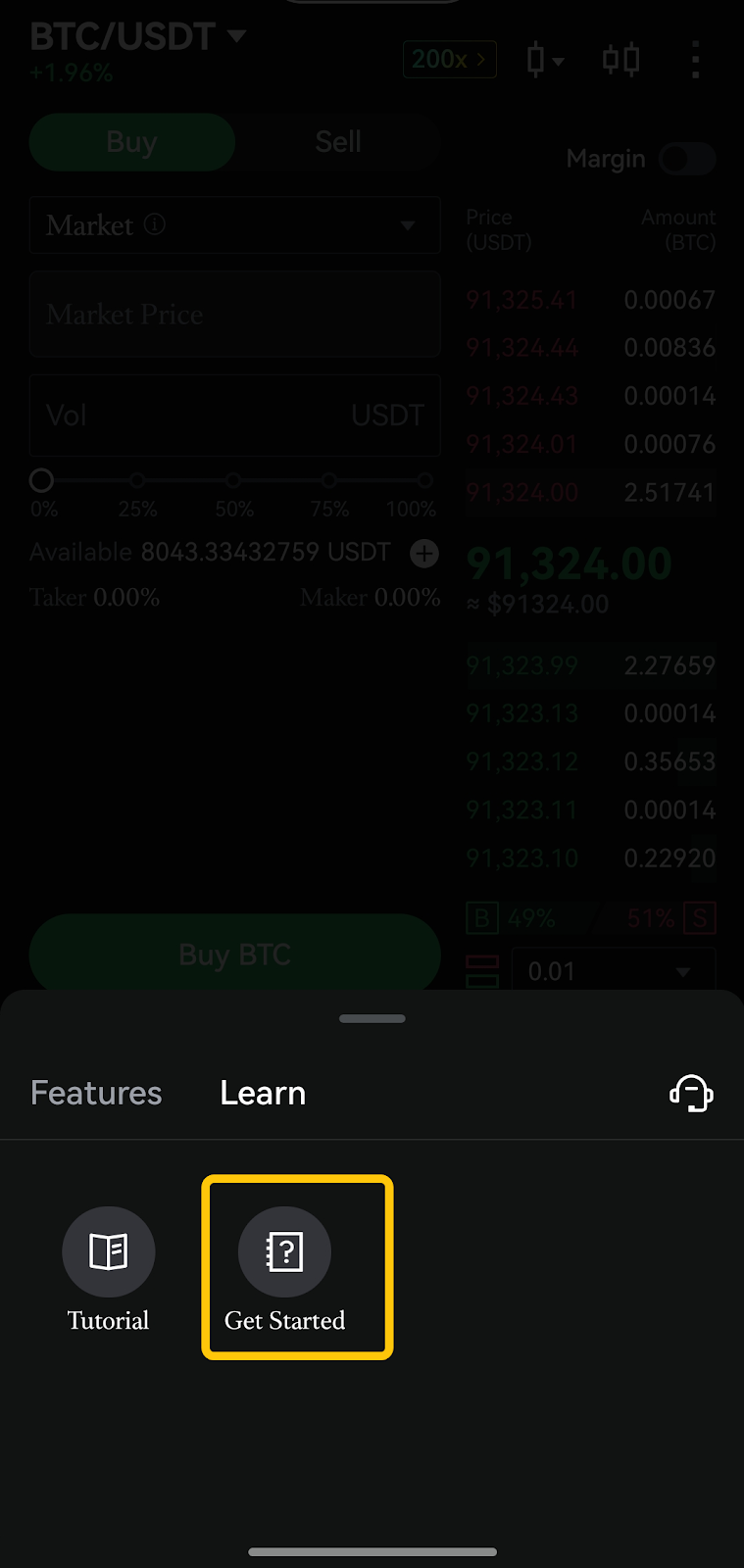
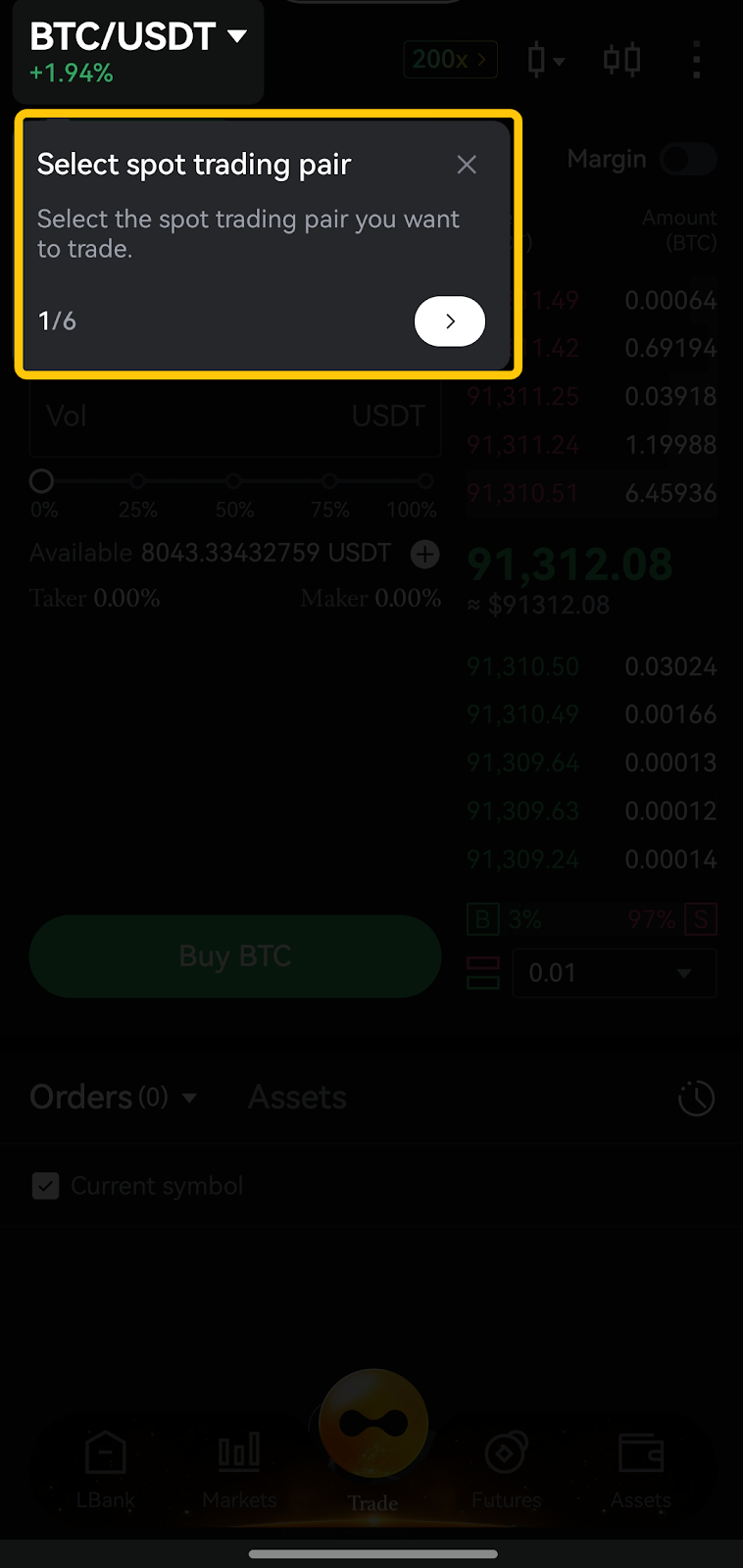
A Beginner’s Guide has been introduced on both Spot and Futures trading pages. The Spot trading page now features a First Spot Trade Tutorial, enabling users to access step-by-step guidance without leaving the current page, effectively lowering the entry barrier for new users.
Futures Trading Enhancements
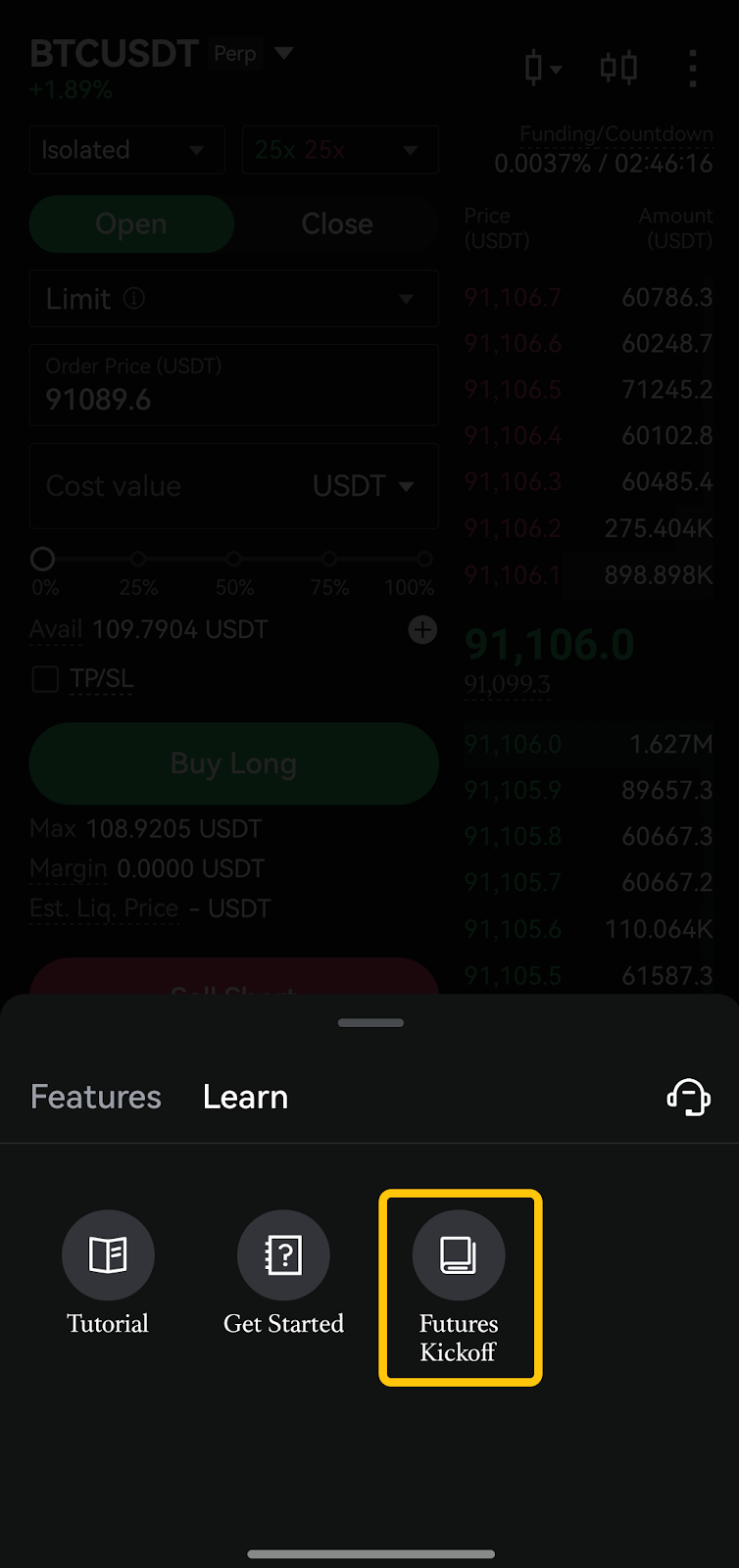
New Futures Kickoff Module
- A new Futures Kickoff module has been added to the Futures trading page, with support for one-click position opening, helping new users get started more easily

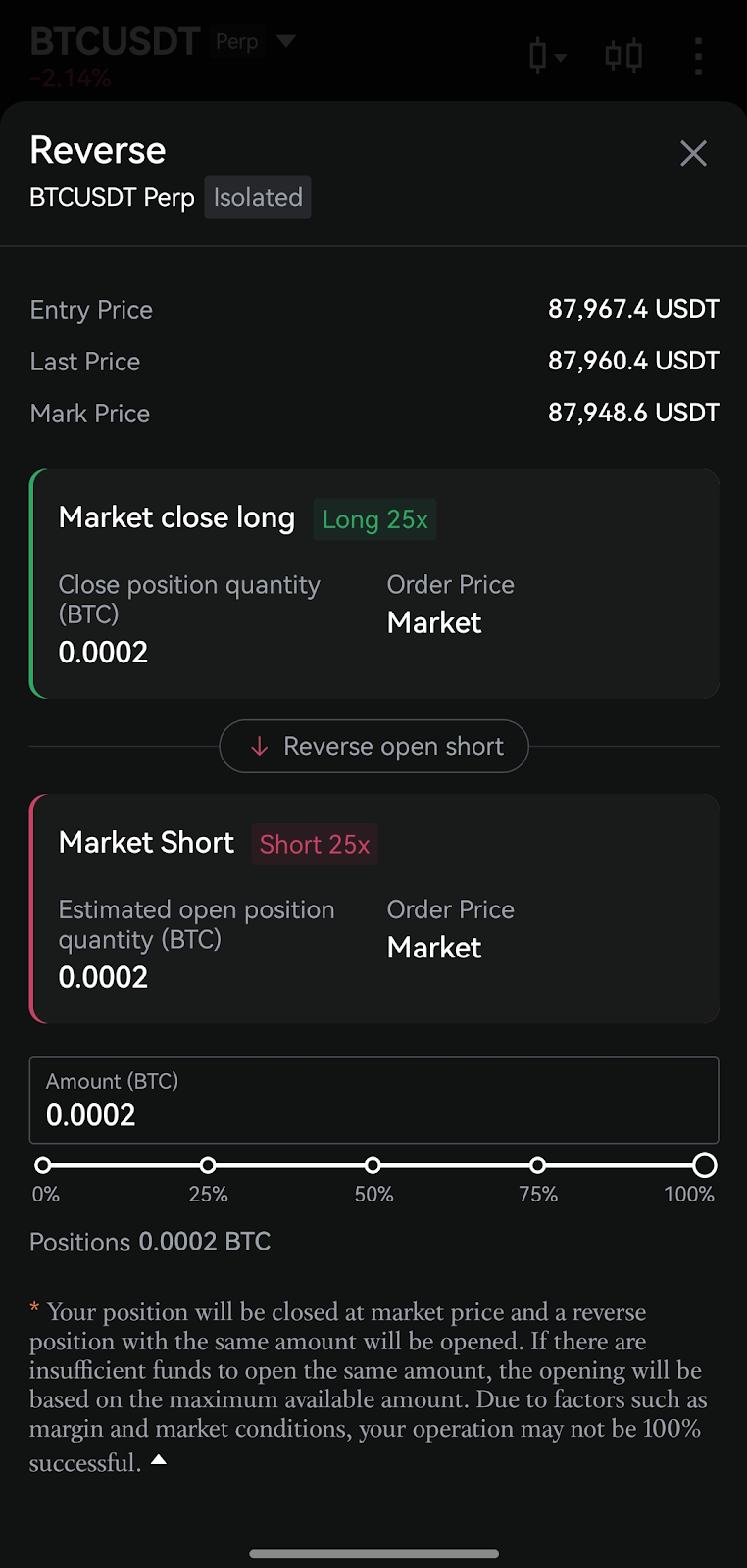
One-Click Reverse Position Display Optimization
-
The one-click reverse position interface has been refined to clearly present position details before and after reversal, improving transparency and execution clarity.
Futures Trading Rules Display Enhancement
-
Trading rules have been reorganized under the Token Overview section, with the addition of a Forced Liquidation Fee Rate field for quicker and clearer reference.

Futures Maximum Order Placement Logic Optimized
-
When placing orders using either quantity mode or notional value mode, the system now ensures successful order placement when the slider is set to maximum, without being affected by balance fluctuations or market price movements.
Spot Trading Enhancements
Spot Trading Rules Display Enhancement
-
Trading rules are now accessible from the Token Overview section. Key parameters such as limit order price range ratio and maximum transaction amount per order have been added, making essential information easier to find.

Limit Order Price Input Optimization
-
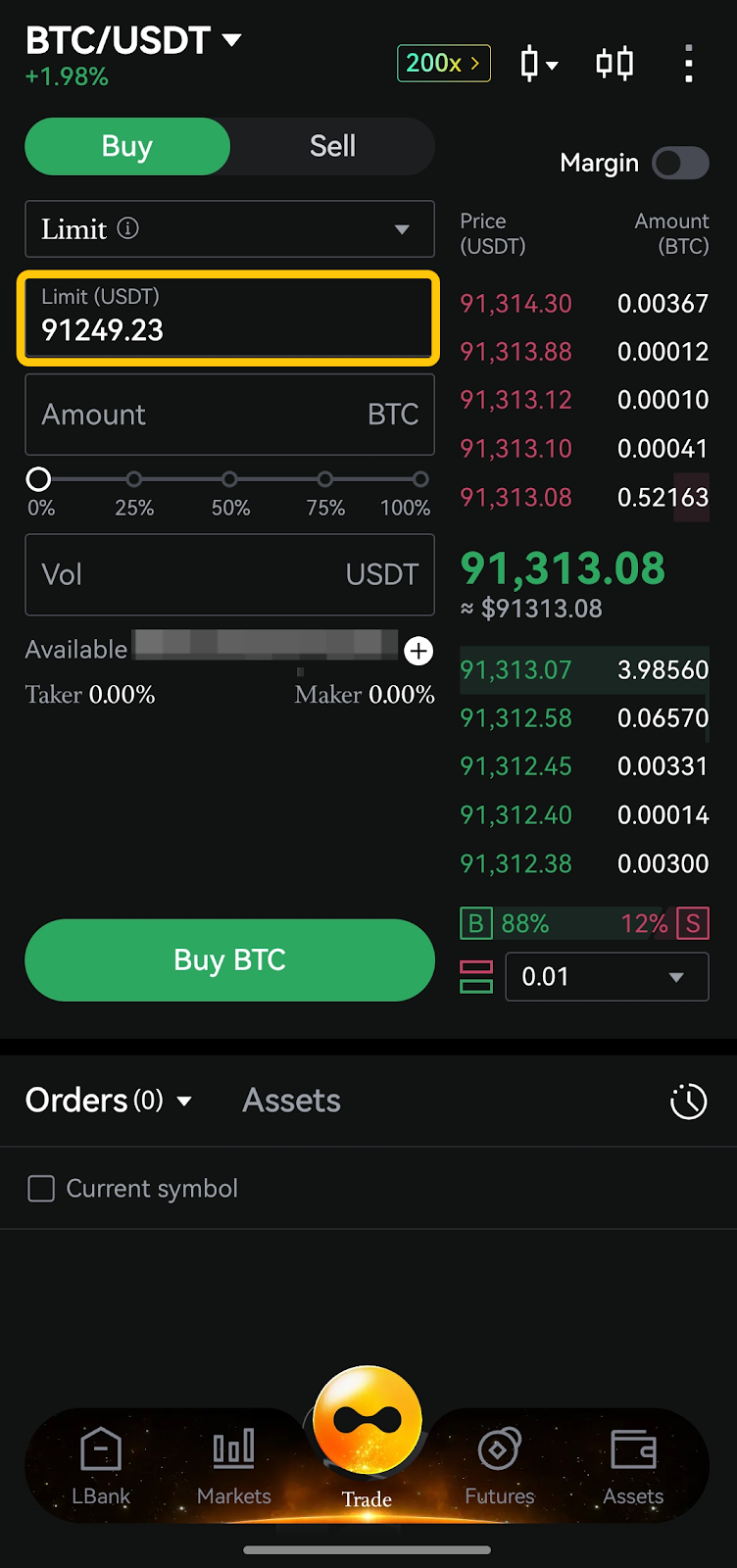
To improve order placement efficiency, the system now automatically retains the previously entered value in the Limit Price input field across relevant scenarios for Limit Orders and Trigger Orders, eliminating the need for repeated input.
Order Panel Prompt Optimization
-
Redundant minimum order pop-up prompts that appeared only when input fields were focused have been removed, resulting in a cleaner and less distracting interface.

Minimum Order Prompt Optimization
-
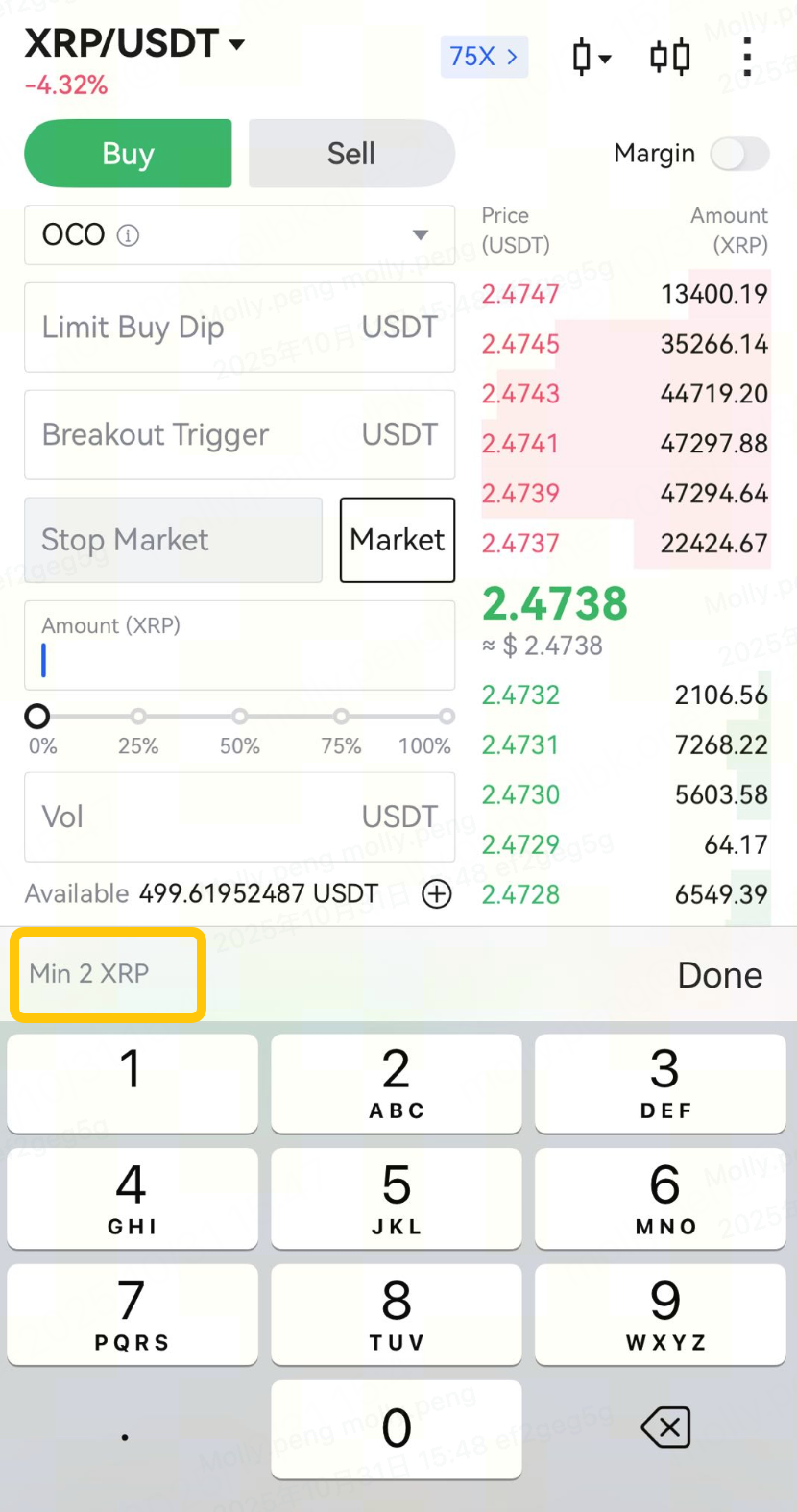
Minimum order notifications have been integrated directly into the order keypad, removed redundant tooltip notifications.
More Settings Layout Adjustment on the Spot Trading Page
-
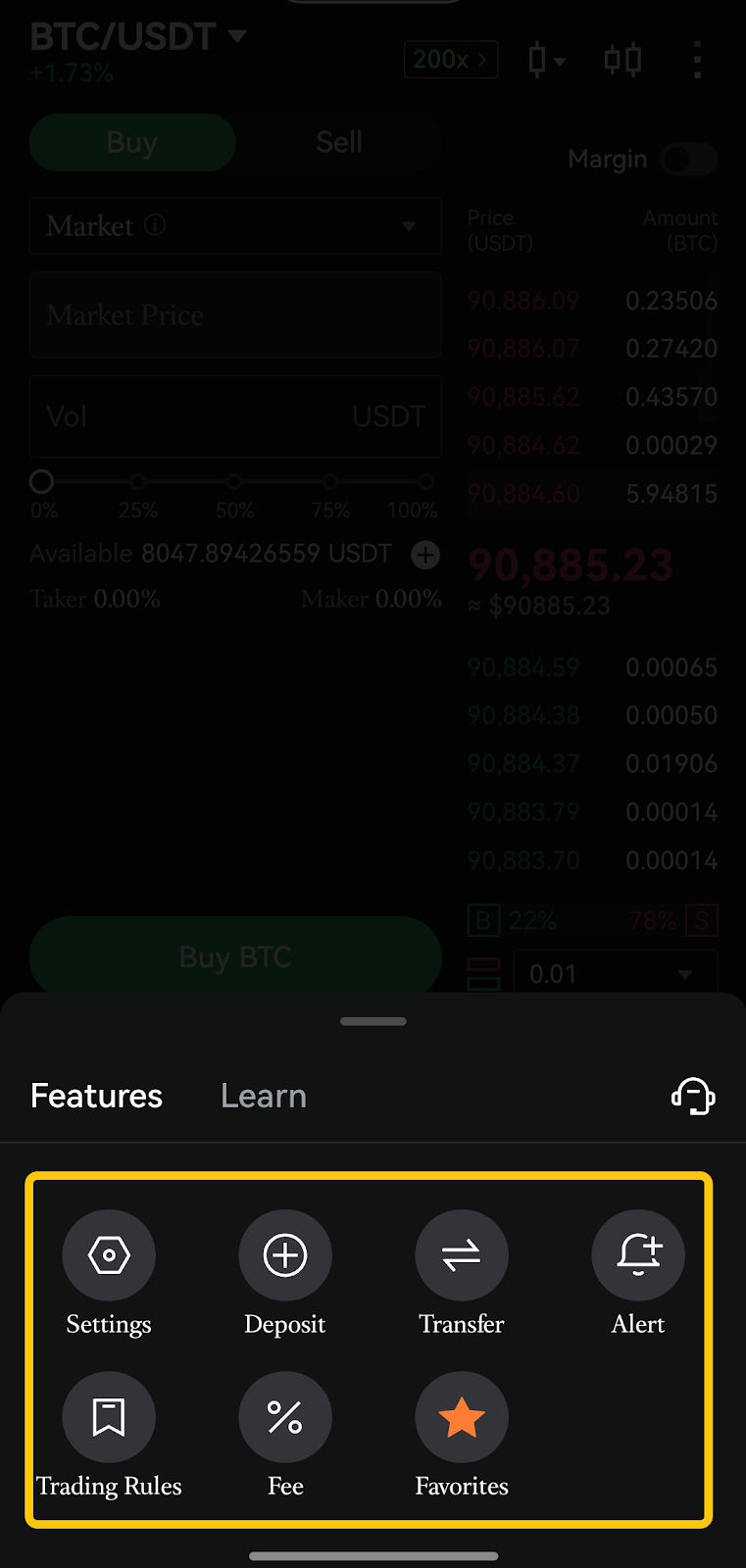
On the App, display priorities have been standardized: Settings are shown first; Alert and Favorites are fixed on the right side of the page, creating a more intuitive layout.
Funding Guidance Added to Market Opening Countdown Page
-
Deposit and transfer shortcuts have been added to the Spot market opening countdown page, helping users prepare funds in advance.

Interface & User Experience Improvements
Hide Canceled Orders in Order History
-
A new filter has been added to Order History on both the trading page and Order Center, allowing users to hide canceled orders with one click.

Order Type Memory
-
Spot and Futures trading now automatically remember the last selected order type (e.g., Limit or Market), reducing repetitive actions and improving order efficiency.
Guest Mode Experience Enhanced
-
Certain trading and interface settings are now accessible on both Web and App without logging in, allowing users to customize preferences while browsing market data.


Slider Interaction Optimization
-
Slider behavior now automatically adapts to language orientation, ensuring a more natural interaction experience for Persian and Arabic users.

Trading Pair Search Interaction Optimization
-
On Web, when switching trading pairs, the search function now defaults to the All tab and prioritizes results within the current trading type, improving search accuracy and efficiency.

Buy/Sell Ratio Display Added to App Order Book
-
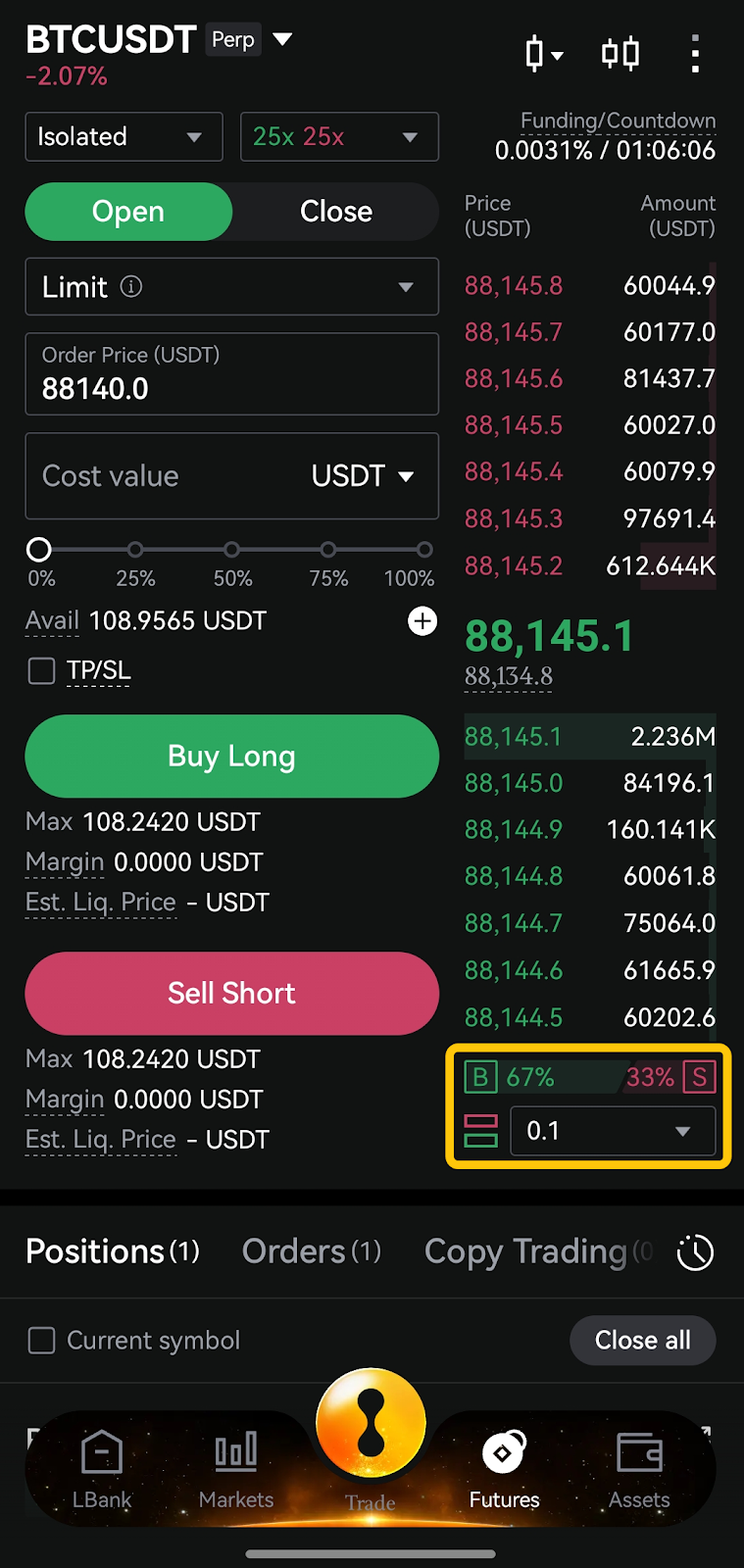
The Spot and Futures order book on the App now displays a Buy/Sell Ratio, aligned with the Web experience, helping users quickly assess current market sentiment.
X Account Binding Supported
-
Users can now directly bind their X account, enhancing account security and strengthening ecosystem connectivity.


Personal Center Page Revamp
-
The Web Personal Center has been fully redesigned, introducing a new Total Asset Valuation page and Beginner Guide, making account and asset management more intuitive and efficient.

In-App Message Center Classification Upgrade
-
Message categorization has been expanded to support secondary-level classifications, improving message organization and making important notifications easier to locate.

On-Chain Deposit Experience Enhanced
-
The on-chain deposit process has been optimized with the addition of deposit tutorials. The token selection list now supports search history, reducing the number of steps required.

Event Center Display Enhancement
-
The Event Center now supports multiple event types, including Futures Carnival, Futures Tournaments, Bonuses, and Red Packets, providing clearer participation paths and more comprehensive event visibility.
Fiat Feature Enhancements
Faster Quotes for Quick Buy
-
Fiat-to-crypto quotes in Quick Buy now respond within 1 second after a fiat amount is entered.

LBank Pay Officially Launched — Supporting Offline QR Payments in Vietnam & Brazil
-
Users can now make offline QR code payments in Vietnam and Brazil directly using the LBank App’s scan-to-pay feature.