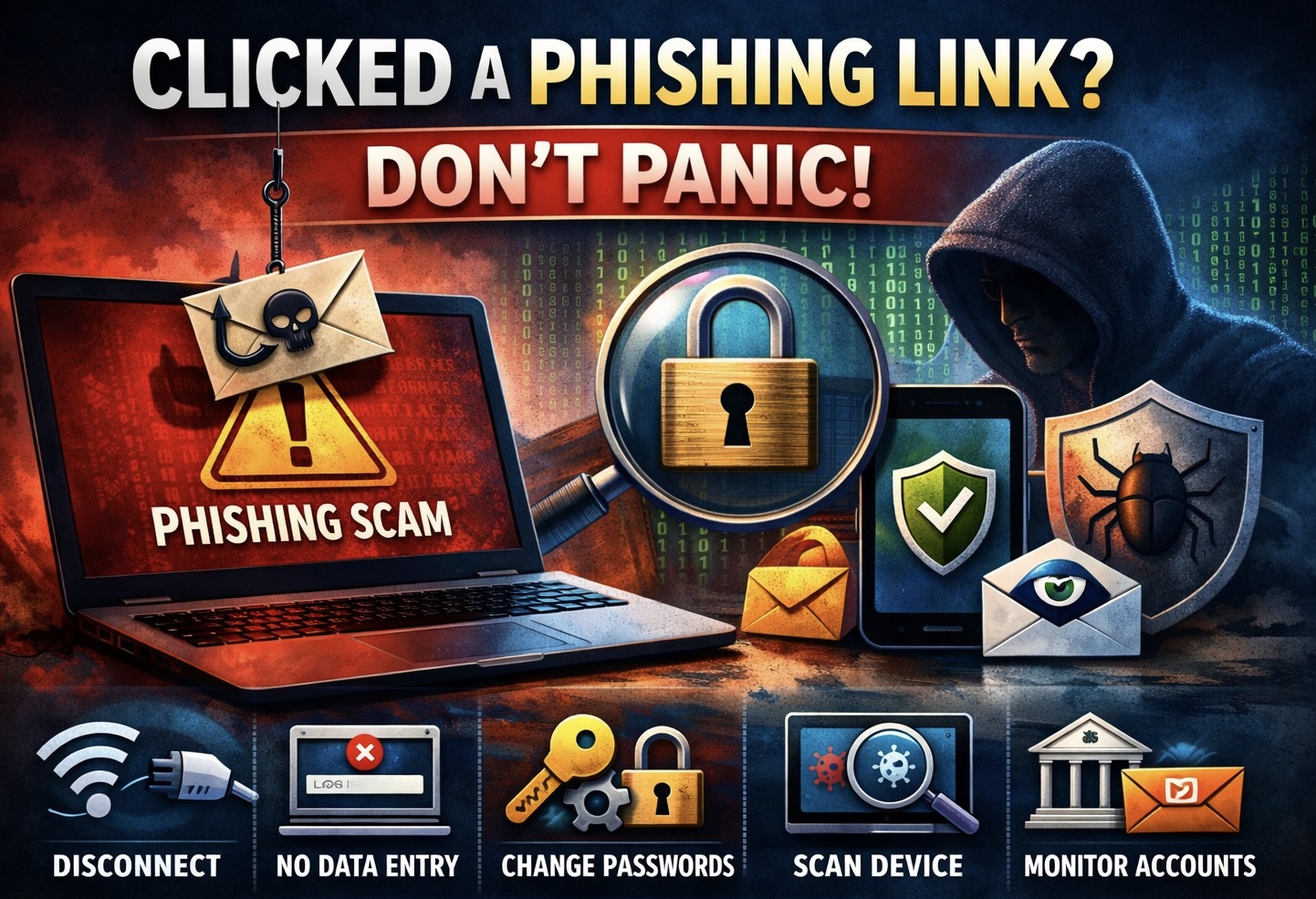
You might not have thought that this would happen to you, but it can happen very easily and very quickly. One minute you are checking your email and the next minute you find yourself clicking on something suspicious and now you start to feel very sick to your stomach. Maybe it was an email that was made to look like it came from your bank. Maybe you had an email from a colleague with an important topic that seemed to come out of nowhere. Scammers take advantage of the times when people are at their weakest, so they know exactly what to do.
The first thing that you may want to do is panic but that's not what you want to do. What you do in the first few minutes after you have clicked on an email that was phishing you could make a significant difference in whether or not the situation becomes a big problem — and when you panic you waste time that you could take action to control how much damage that you have done, so don't panic. Having a prompt and purposeful response to a phishing incident can determine whether you will be only mildly afraid or you will have a major financial and/or data disaster.
The following five-step action plan is designed for people to follow in the first few minutes after they've accidentally done something very stupid.
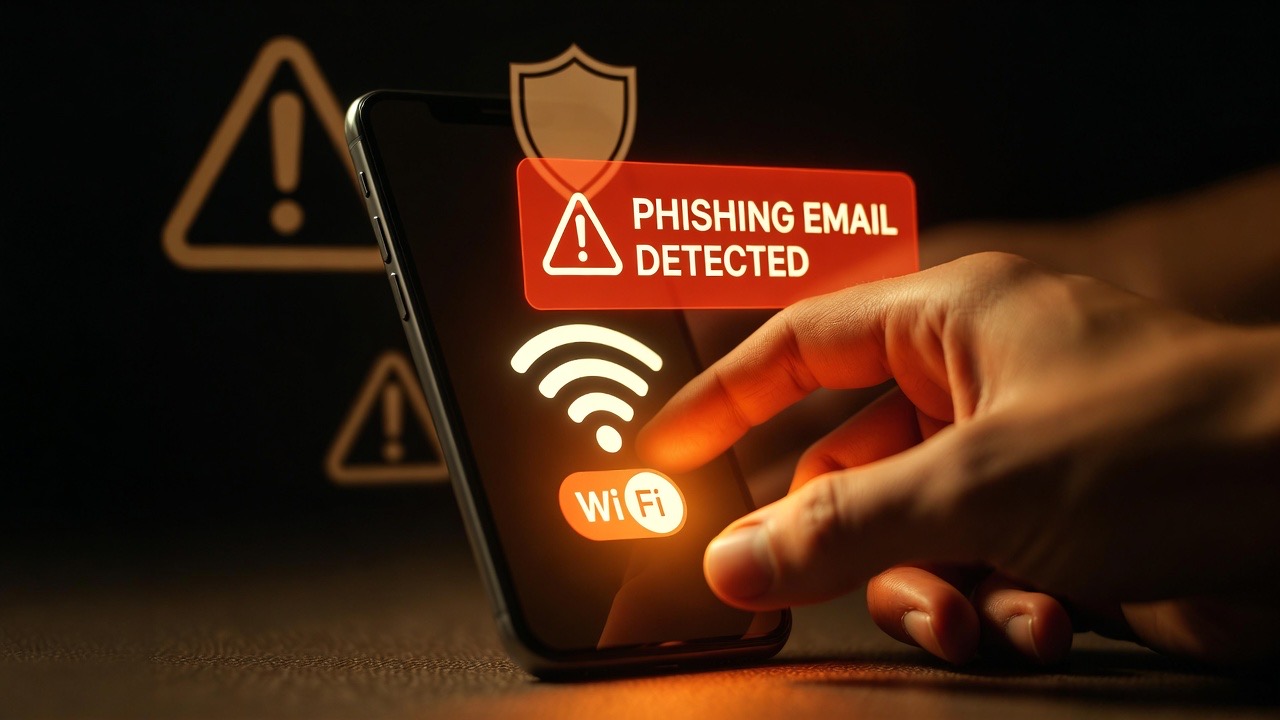
Step 1: Disconnect From the Internet Immediately
Before doing anything else, the very first step is to disconnect your device from the Internet by turning off Wi-Fi or turning off mobile data. You should do this before proceeding any further in reading this article.
The importance of disconnecting from the Internet is that many phishing links do not just passively steal your credentials; rather they can deploy malware that will attempt to communicate back to a remote server in order to complete the attack. This could involve downloading additional payloads of malware, exfiltrating your data, or establishing a connection for remote access to your device. Disconnecting your device from the Internet while you are attempting to repair or block this attack removes the communication channel that the malware relies upon to complete its task.
Once you have disconnected your device, you should not click on anything else on the page that is displaying the phishing link. You should not close browser tabs by clicking on any prompts or pop-ups that display on the phishing link page. If you need to close a browser window, you should use your devices task manager and force quit the application.
If you clicked on the phishing link from a corporate device, you must immediately notify your company's information technology or security department of the incident. Do not wait to see if anything bad happens. Your IT department will need to isolate the device, preserve evidence for forensic analysis, and determine if this event has the potential to compromise the overall integrity of your company's network. Each minute that you delay reporting this incident to your IT department increases the risk of exposing other parts of the corporate network.
Step 2: Do Not Enter Any Information on the Page
Do not enter anything if the phishing site requests that you provide username, password, or any type of information including verification of Identity. Also, close the browser tab using the operating system's task manager. Do not interact with the phishing page in any way.
While this seems like an obvious step to take, phishing sites are designed to appear authentic and therefore you may be inadvertently lulled into believing that the phishing site is the same as your bank, DocuSign, or Microsoft. This is not only true for what you've seen on the original link (e.g., the email), but also true for any covert or otherwise unknown locations that have been created/changed by the attacker to forward to the criminal credential harvesting site.
If you entered any information before realizing it was a phishing site, treat that as if your computer has been compromised and proceed to step 3.
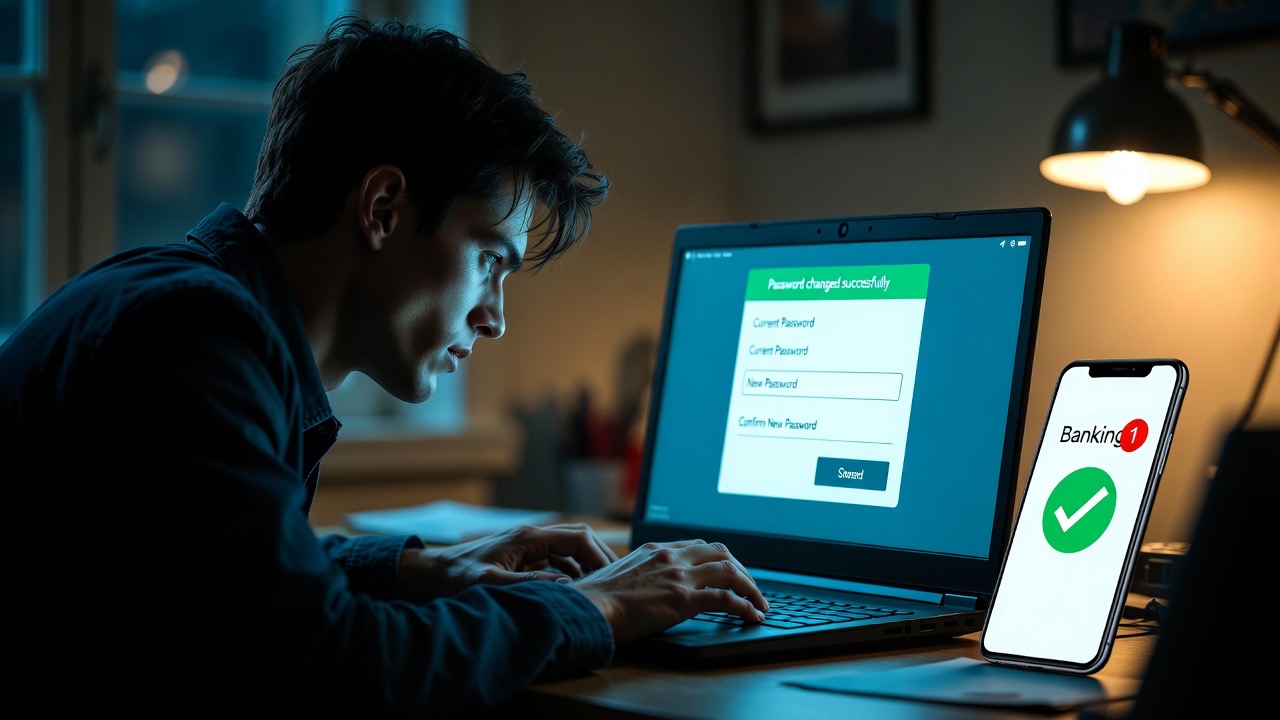
Step 3: Update Your Passwords — Prioritize Critical Accounts
Your next step is to change the passwords for your accounts after disconnecting your device and refraining from clicking anything else related to the suspicious site. Start with email, financial accounts, and any workplace systems you have access to first because they are most likely to be attacked.
Once you've changed these passwords, be sure to do this from a different device than one used to access the link.
This could mean using a smart phone not utilised for clicking on the link or another computer altogether. It is imperative that you do it this way because if the device used to click on the link has been compromised, then entering a new password into that device will also give the hacker a way into your account.
Please ensure that every account has its own strong password. If a password is reused across multiple sites, you should consider each account that has this password as having been compromised and change every one of those passwords. It is also a good idea to enable two-step verification (also known as two-factor or 2FA) on any accounts that do not have this feature already enabled.
Even though an attacker may have your password, when they attempt to log into your account, they will be unable to bypass 2FA without having physical access to any device you designated to receive that authentication method (e.g., a smartphone, security key).
Step 4: Run a Security Scan on the Affected Device
After you've changed your passwords from a clean device, return to the device that you clicked on the link from and perform a complete virus scan of that device. If you do not have any virus protection software already on your device, now is the time to install a highly regarded virus protection program and perform an immediate virus scan of your computer.
The purpose of the scan is to identify and remove any viruses, spyware, or keyloggers that could have been installed during or after the phishing link was clicked on by you. Some phishing attacks are just after collecting your login credentials; however, there are some phishing attacks that also install persistent software that tracks everything you do on your computer, records everything you type on your keyboard, and permits an attacker to remotely access your computer indefinitely. A virus scan will help you determine what type of phishing attack you were affected by.
If the virus scan results in any viruses being found, follow the instructions to remove the viruses that your virus protection software provides. If you were using a company computer, do not try to clean it yourself; give it to your IT department for proper remediation. Manually cleaning your computer can destroy evidence that investigators will need.
Step 5: Monitor Your Accounts and Report the Incident
Your tasks are not finished after you disconnect devices, change passwords and run computer scans. Many phishing attacks produce effects which occur on a delayed basis such as where stolen credentials are sold on the dark web and used to attempt access to financial accounts a number of days or weeks after they have been stolen or even to initiate fraudulent transactions after the account has been inactive for some time in order to reduce the level of suspicion regarding those transactions.
You should monitor your financial accounts, e-mail accounts and any other sensitive online platforms on a regular basis for any unusual account activity. For example, check for logins which occurred from unknown locations or devices or look for confirmations of password changes which were not initiated by you or for transactions that you do not recognize. However, you can also obtain most banks' and major online platforms' recent login history to review them for unusual activity.
You should report the phishing attempt to all parties involved in it. If the phishing attempt impersonated your financial institution, you should contact the fraud department of your financial institution. If the phishing attempt originated from someone at your workplace or a colleague of yours, you should report the phishing attempt to the security department at your workplace and to the person being impersonated. You can also report the phishing attempts to the governmental agency in your country that has jurisdiction over cybercrime. In the U.S., you can report phishing scams to the Internet Crime Complaint Center at ic3.gov, and in the U.K., you can report them to Action Fraud at actionfraud.police.uk.
Reporting phishing attempts is important for the ability to get phishing infrastructure (i.e., any domains, servers or e-mail accounts which have been used to send out phishing scams) disrupted in a timely manner.

The Broader Reality: Why These Steps Work
Phishing attacks can be most effective when victims either do not realize what is happening until it is too late to rectify it, or if they panic and take disorganized action that misses critical steps in their response. The five steps above are based on one principle — to contain exposure quickly and completely, and then assess and report.
Disconnecting the infected device from the Internet will limit the ability for malware to communicate with the external controller. By not interacting with the page, you will stop any potential credential harvesting. Changing your password will eliminate the biggest potential access route to your accounts. Running your anti-virus will alert you to any threats that could remain covert. Monitoring and reporting allows you to protect your future from potential threats.
None of these steps require any kind of technical skill. They simply require swift, calm action in a pre-determined order. Keeping your plan accessible — whether it is on your computer’s bookmarks, printed out, or communicated verbally to the members of your household — will prevent you from needing to rely upon your memory when you need it most (the time when your memory is least reliable).
Phishing Guidance & Reporting Resources
1. Cybersecurity and Infrastructure Security Agency (CISA). (2025). Phishing Guidance and Incident Response
2. Federal Bureau of Investigation, IC3. (2025). Internet Crime Complaint Center — Phishing Reports
3. National Cyber Security Centre, UK. (2024). What to Do If You've Clicked a Phishing Link
4. Action Fraud, UK. (2025). Reporting Phishing and Cybercrime Incidents